AI workflow guides
Practical essays about turning messy, model-shaped work into systems people can inspect. Start with a small example, make the tradeoff explicit, and verify the result before scaling up.

Workflow design
Decide where a conversation should become a repeatable process, then make its contracts and review points visible.
AI workflow vs AI chatbot: when a conversation needs a process
Choose a chat for exploration and a workflow for repeatable work with inputs, outputs, and review rules.
How to define inputs and outputs for an AI workflow
Start an AI workflow with a concrete record, a typed output, and rules for absent information.
Structured AI decisions vs free text in automation
Use a bounded category for routing and reserve generated prose for explanations that people read.
When to use AI in a data pipeline
Identify the interpretation step that needs a model and keep arithmetic, validation, and formatting in code.
Where to put human approval in an AI workflow
Place review before consequential writes and show the reviewer the proposed action and supporting evidence.
A practical dry-run checklist for AI workflows
Verify interpretation, destinations, failure paths, and duplicate handling before expanding an AI workflow.
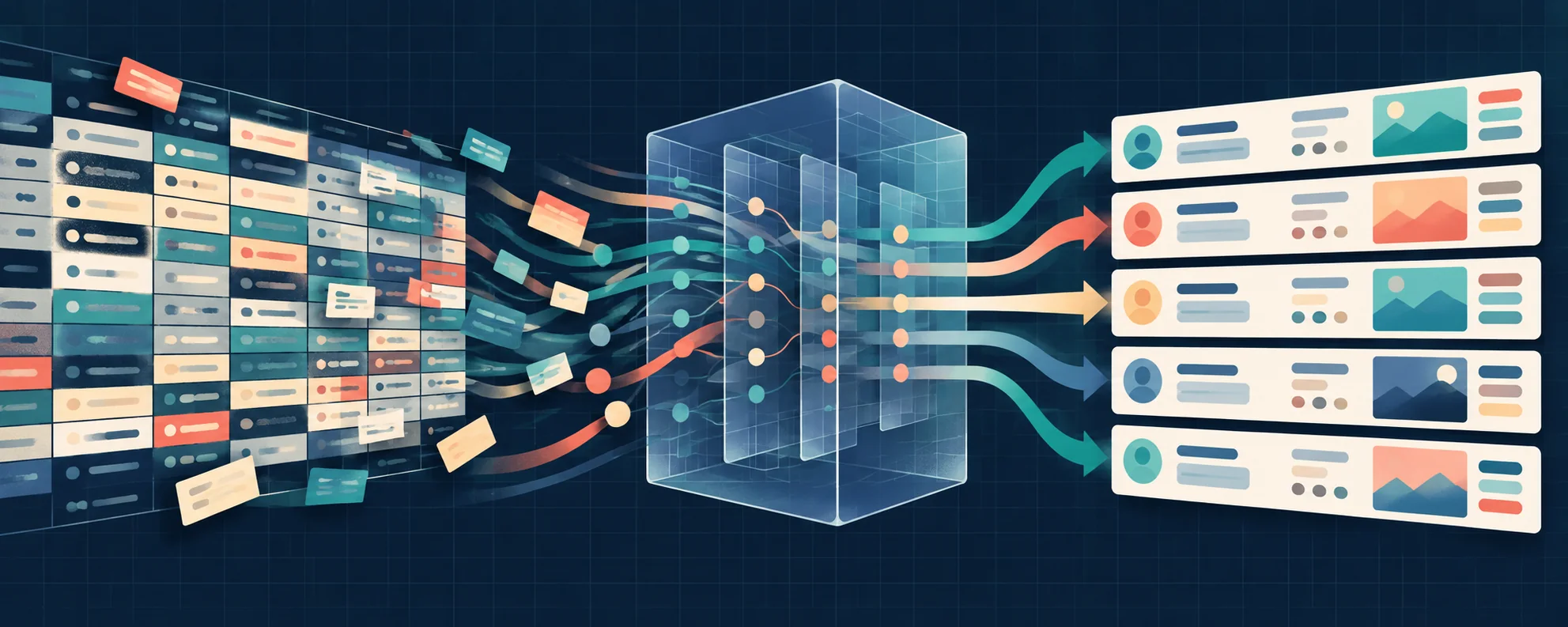
Data workflows
Keep source evidence intact while you classify, enrich, and validate records at a useful scale.
How to classify CSV rows with AI
Create a stable label taxonomy, preserve row identifiers, and review ambiguous CSV classifications.
Enrich a CSV with AI without losing the original data
Add derived fields to a CSV while preserving the original values and distinguishing inference from evidence.
Design an AI support ticket routing workflow
Route support requests using a bounded taxonomy, escalation rules, and a labeled test set.
Validate AI invoice extraction before writing accounting data
Check invoice identity, currency, totals, and source evidence after AI extraction.
Make AI lead scoring reviewable with explicit rules
Score leads against a stated rubric and preserve evidence rather than accepting arbitrary model scores.
Batch vs event-driven AI workflows: which trigger fits?
Choose between processing a snapshot and responding to source changes, with explicit backfill behavior.
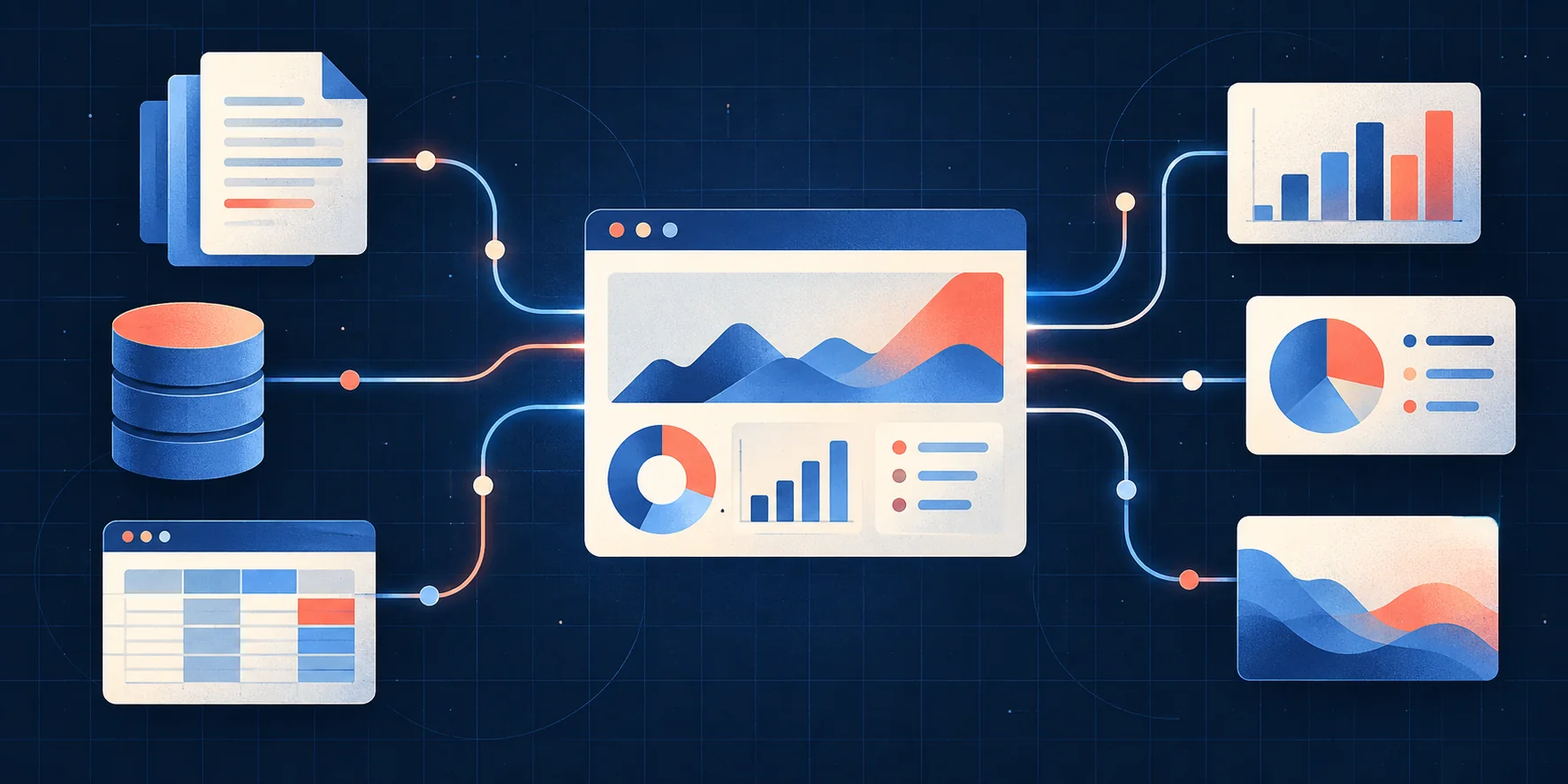
Connected data
Connect sources to the decisions people need to make without hiding freshness, provenance, or coverage.
Google Calendar AI workflows: snapshots vs polling
Understand which Calendar events a Baleybots run reads and how polling handles changes.
How to design a webhook-to-AI pipeline
Validate webhook authenticity, normalize the event, and make duplicate delivery safe before invoking AI.
Use Postgres change events to trigger AI work
Choose the relevant row changes, filter event traffic, and avoid feedback loops from destination writes.
OAuth vs API keys for connecting AI tools
Choose credentials based on ownership, scope, revocation, and the client's supported sign-in flow.
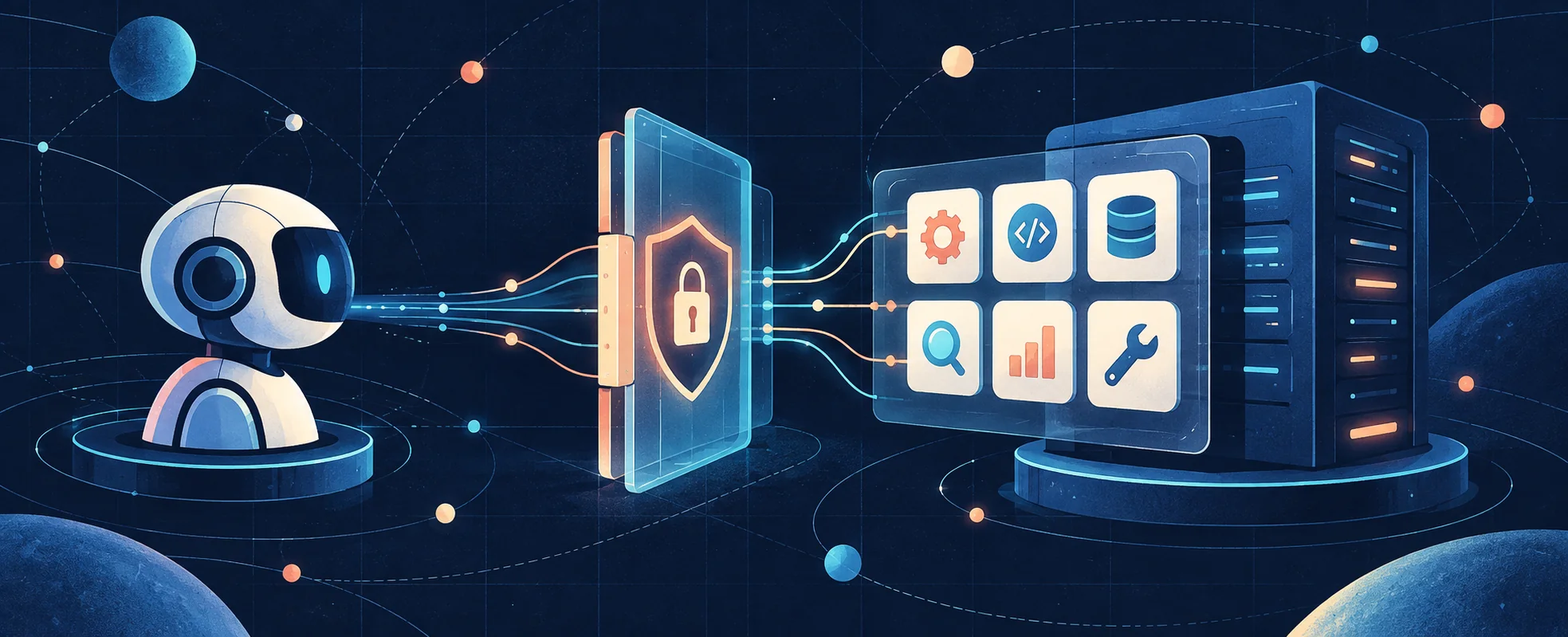
MCP
Understand discovery, credentials, scopes, and event signals before a connected tool can change anything.
A connection checklist for a remote MCP server
Verify endpoint, transport, authorization, discovery, and a read-only tool call when connecting MCP.
Why an MCP connection can show the wrong tools
Investigate credential scope and discovery refresh when an MCP connection succeeds but expected tools are absent.
MCP events vs tool calls: signals and actions
Treat an event as a signal to inspect current state, with separate permission for the next tool action.
Reconnect an MCP event stream without losing your place
Persist consumed cursors, handle stream termination, and inspect truncation when replaying events.

API operations
Give long-running AI work a clear contract for status, retries, cancellation, and side effects.
Design a document AI API with structured output
Make document input, extracted output, validation, and review explicit in an AI API contract.
Use idempotency keys when starting AI work
Avoid duplicate run creation after uncertain network outcomes by tying retries to a stable logical request.
Polling vs webhooks for AI job completion
Choose a completion mechanism and reconcile missed notifications against the run's current state.
What cancelling an AI workflow should mean
Separate stopping future work from undoing side effects, and inspect the final state after cancellation.
Why AI runs need a frozen configuration
Keep in-flight runs tied to the configuration they started with so edits remain explainable.
Handle AI workflow errors without blind retries
Separate transient failures, invalid inputs, authorization errors, and uncertain side effects.
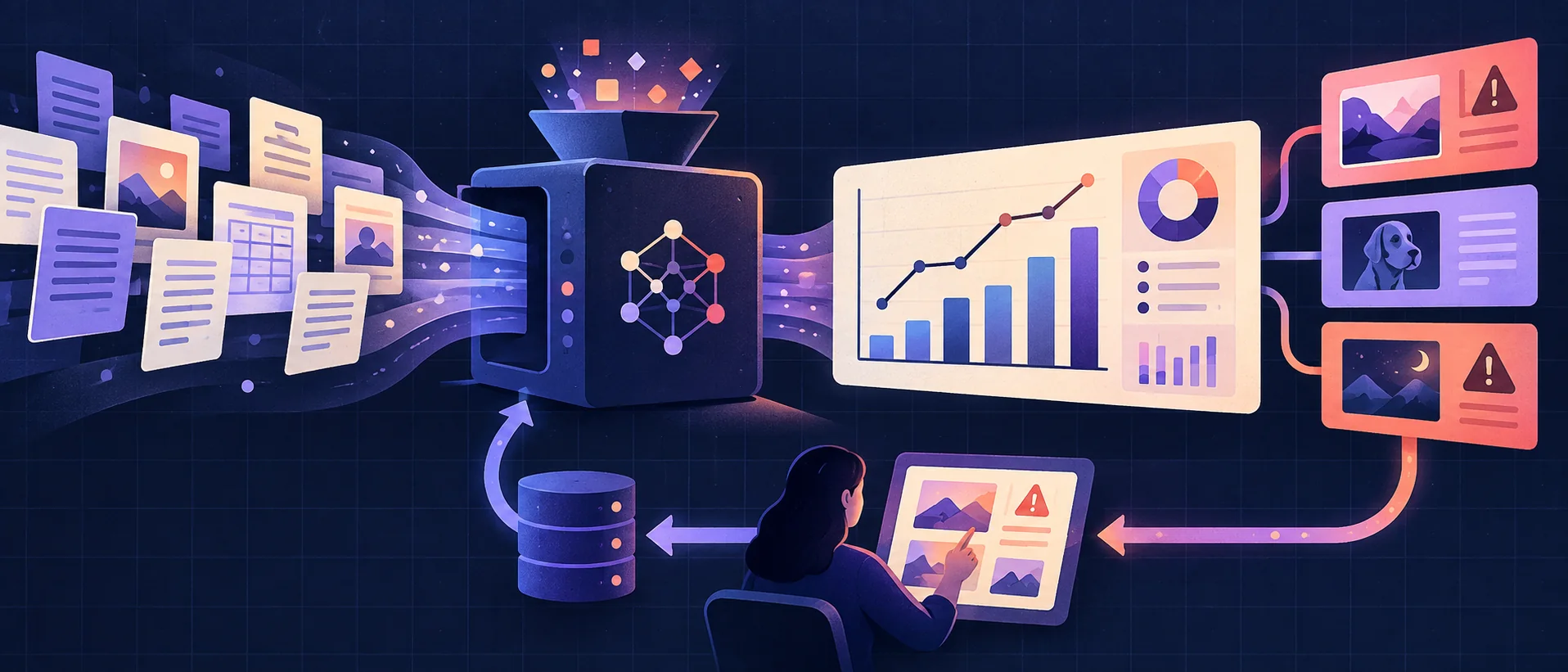
Measurement
Measure the behavior that matters to the downstream decision, using fixtures that make errors visible.
Estimate AI workflow cost before a large batch
Measure representative record usage and include retries, context size, and uncertain prices in your estimate.
Evaluate AI workflow accuracy with a labeled fixture
Define correct outputs before running the workflow and measure errors that affect downstream decisions.
Make AI dashboards traceable to source data
Show source, filters, time windows, and coverage so a generated dashboard can be checked.
Live AI reports vs batch reports: what does the total mean?
Distinguish a report about one run from totals maintained across changing source data.